


Player rating
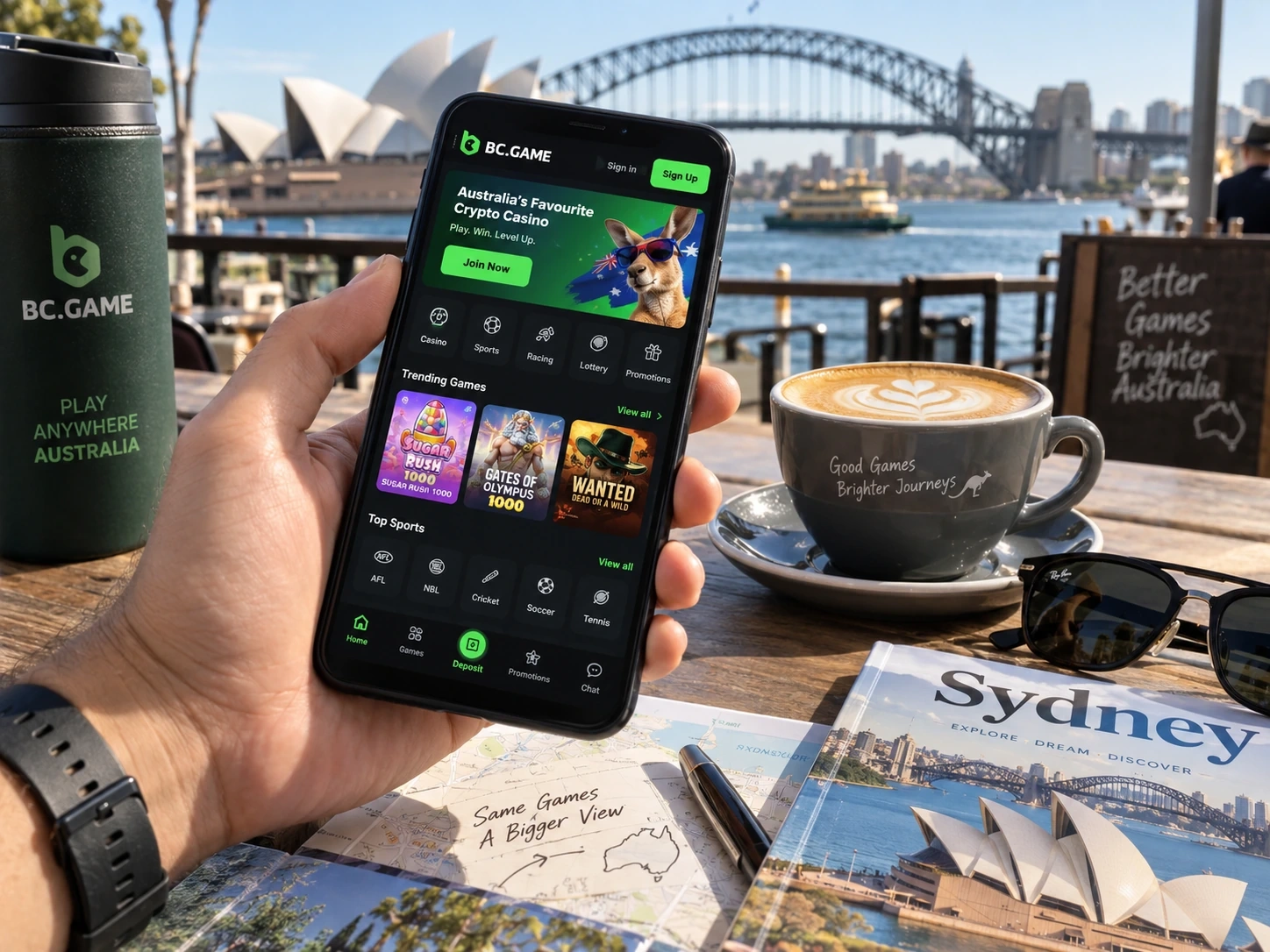
BC Game Australia App and Mobile Access
Open on mobileBC.GAME is designed to return the user to the same account on mobile rather than create a separate app balance. Wallet, My Bets, Favourites, Bonus, VIP and Security remain attached to the profile.
The responsive website is the simplest access route. Where the platform currently offers an official Android installation path, use only that route. On iPhone and iPad, Safari can add BC.GAME to the Home Screen as a shortcut to the same web account.
Mobile Features
- Casino Search, categories and Favourites.
- Sportsbook event browsing and My Bets.
- Wallet, Deposit, Withdraw and Transaction.
- Bonus and Rollover progress.
- Security and 2FA controls.
- Live Support and Help Center.
| Mobile task | Best account area |
| Check a sports ticket | My Bets |
| Review a crypto transfer | Transaction |
| Check a campaign | Bonus / Rollover |
| Open regular games | Favourites |
| Update protection | Security |
iPhone and iPad
Open BC.GAME in Safari, use Share and choose Add to Home Screen. The icon is a shortcut, not a second iOS account.
- Open BC.GAME in Safari.
- Tap Share.
- Choose Add to Home Screen.
- Confirm the name.
- Open the icon and use the existing Login.
Removing the icon later does not erase server-side Wallet, My Bets or Bonus history.
Android Access
Android users can use the responsive website directly. If an Install App or Download option is shown by BC.GAME, use the official route rather than a forum mirror, ad link or message attachment.
- Open BC.GAME on Android.
- Go to the current App area.
- Use the official Android route shown there.
- Review the Android install prompt.
- Open the app and sign in to the existing account.
Mobile Login
Use the same identity as desktop. A different Google or Telegram account can make the profile appear empty even though the original account still exists.
Updates
The web version updates when the site loads. An installed Android version should be updated through the official BC.GAME route. An update should never require a seed phrase, private key or brand-new account.
Mobile Wallet
Copying an address is convenient, but asset and network still need to match. For Withdraw, check the receiving wallet first and use its current deposit instructions.
Keep TxID for on-chain transfers and never put a seed phrase or private key into a screenshot.
Mobile Sportsbook
The international Sportsbook can be navigated as sport, competition, event, market and Bet Slip. After a ticket is accepted, My Bets becomes the cleaner record.
For Australia, remember that online in-play sports betting is prohibited for providers to offer to people in Australia, and regulated wagering requires an Australian-licensed provider.
Mobile Casino
Favourites is particularly useful on a phone because it turns a large lobby into a short personal list. This does not change the Australian legal position on online casino services.
Public Wi-Fi and Security
Avoid sensitive Wallet actions over an untrusted network where possible. Use a device lock and protect the e-mail, Google or Telegram account linked to BC.GAME.
Regional Restrictions
If the platform reports that your region is not accepted, changing device, installing a different app build or using a VPN is not an appropriate workaround. Treat the restriction as a stop signal.
Browser vs Installed Access
For occasional use, the responsive website can be the cleanest route because it loads the current interface without installation. Frequent users may prefer an official Android install or iOS Home Screen shortcut for faster access.
Mobile Transaction Checks
Transaction is useful as a read-only status screen. You can confirm whether a Deposit or Withdraw has moved to the next stage without initiating another payment.
Notifications Are Convenience, Not Proof
A push notification can advertise a promotion, but the signed-in Bonus and Rollover areas determine whether the reward actually exists for that account.
Screenshots for Support
A screenshot can capture a visible error, but it should be paired with the relevant Ticket ID, Round ID or TxID. Hide unrelated personal data before sending it.
Mobile Does Not Change Licensing
An app icon, mobile website or browser shortcut does not alter Australian gambling law. Product legality depends on the service and provider authorisation, not the device used to access it.
Mobile Account Check Before a New Payment
After moving to a new device, compare the Wallet balance, an old My Bets ticket or a familiar transaction before initiating another Deposit. Those account markers help confirm that the correct profile is open.
Home Screen Is a Shortcut, Not a Separate Wallet
Adding BC.GAME to the iPhone Home Screen does not move funds onto the phone or create a new local account. It simply shortens the route back to the same server-side profile.
App Removal Does Not Equal Account Deletion
Deleting an Android app or iOS shortcut removes a local access method. It does not by itself delete Wallet, bet history or promotion records stored with the account.
Mobile Security Is More Than a Password
A phone can hold the browser session, the connected e-mail account and the 2FA app at the same time. Use a strong device lock and do not leave the account open where another person can reach it.
Mobile Bonus Status Follows the Account
A promotion claimed on desktop should remain visible on mobile after the correct Login. If it disappears, check the account identity before assuming the reward was removed.
Mobile Support Is Better With an ID Ready
Before opening Live Support on a phone, copy the Ticket ID, Round ID or TxID connected to the issue. A precise reference is easier to send from a small screen and usually reduces follow-up questions.
Account Continuity Check
If a familiar Wallet balance, old ticket or saved favourite is visible after Login, that is a quick confirmation that mobile has returned to the existing profile rather than a different account.
Mobile FAQ
Do I need a second account for mobile?
No. Mobile and desktop are designed to use the same profile.
How do I add BC.GAME to an iPhone Home Screen?
Open it in Safari, tap Share and choose Add to Home Screen.
Can I use the site without an Android APK?
Yes. The responsive website is a direct mobile access route.
Does mobile access change Australian gambling law?
No. Device type does not change whether a service is permitted to be offered in Australia.